
Smoke Bunker
Smoke Bunker: marketplace
List stash items for other orgs, buy listings with org funds and sell to any player at a dealer terminal.
The seller pays a host fee, 5% by default (market.feePct).
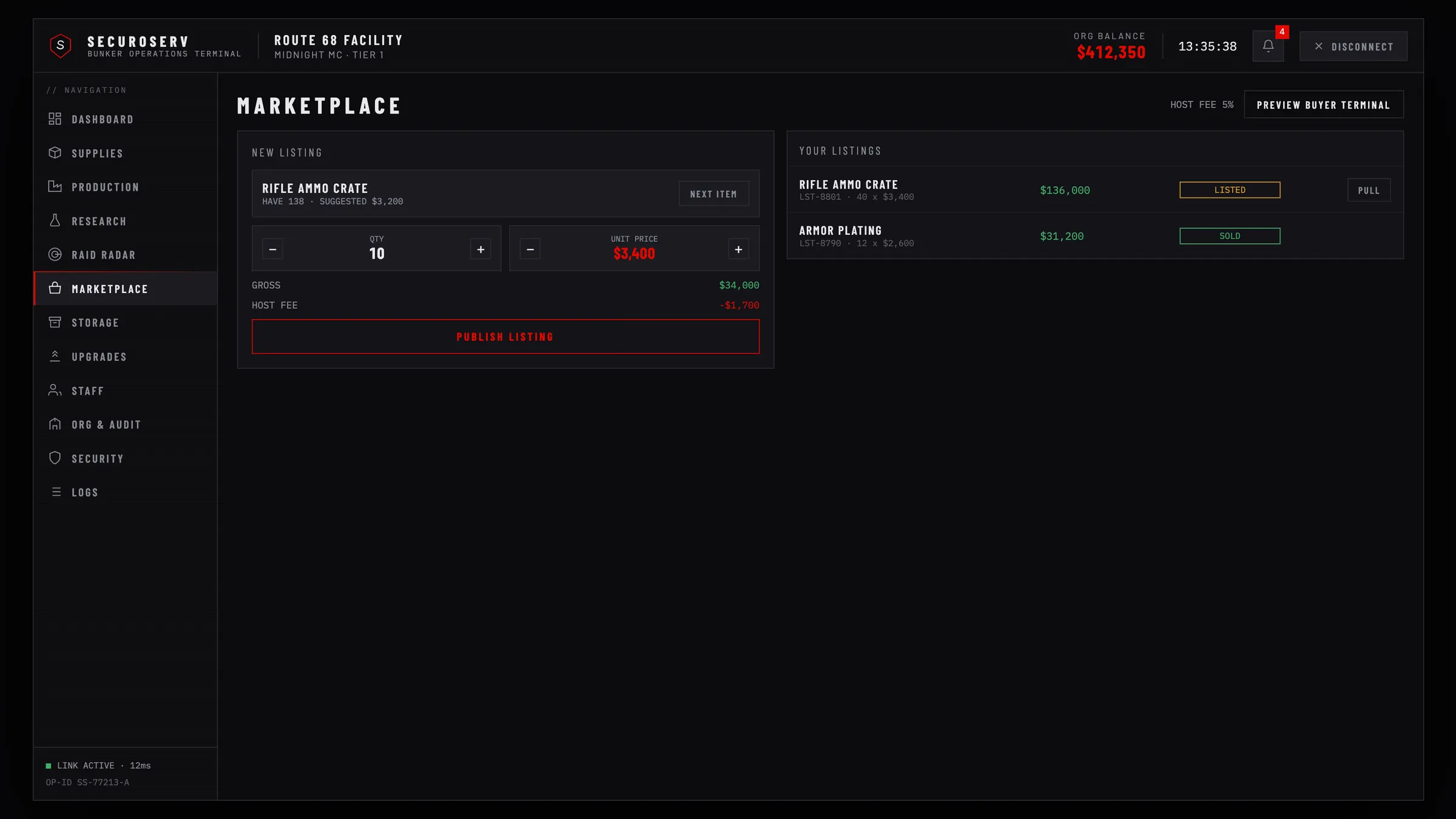
List an item#
- Put the items in the bunker stash. Only stash items can be listed (Org and storage).
- On the Marketplace page press
Next Itemto pick a stash item, or pressList For Saleon the Storage page. A suggested price shows whenstorage.itemValuessets one. - Set quantity (up to 500) and unit price ($100 to $5,000,000) with
−and+. - Press
Publish Listingand confirm.
Items leave the stash and wait in escrow. Listing needs the SELL permission. A bunker can have 20 active listings.
Manage your listings#
Pull on a LISTED listing takes it back; the items return to the stash if there is room. Pulling needs SELL too.
When a listing sells, org funds get the total minus the host fee and the org is notified. The listing stays as SOLD.
Buy from another org#
Press Preview Buyer Terminal on the Marketplace page to see every active listing.
- Press
Buy Nowon a listing. - Check the dialog (item, quantity, total, delivery to your bunker storage) and press
CONFIRM PURCHASE.
The total comes out of your org funds: you need WITHDRAW or the officer rank, and the stash needs room. You cannot buy your own listings.
Sell to any player at a dealer#
Anyone can buy listings at a dealer terminal with their own money, without a bunker.
- Terminals are the points in
buyer.points(by default Legion Square and Sandy Shores). - Stand within
buyer.maxDistanceof a terminal, 4 metres by default. - Payment comes from
buyer.account(bankby default).Buy NowshowsNo Fundswhen the player cannot pay. - Items go straight to the player's inventory, so the player must be able to carry them.
- Members of the selling org cannot buy its listings there.
Set buyer.allowAnywhere to true to drop the terminal requirement. The buyer.command command or the openBuyerTerminal export then opens it anywhere (Exports).
Before you sell the bunker#
Selling or abandoning a bunker is refused while it has an active listing. Pull every listing first.